
Are you struggling to bridge the gap between your manual financial tracking and your ERP reporting? Understanding how your Enterprise Resource Planning (ERP) system computes net sales is critical for maintaining accurate books, forecasting revenue, and assessing true corporate profitability.
In this guide, we dive deep into the mechanics of net sales. We will move beyond the basics to explore how automated ERP modules handle revenue recognition, the distinction between revenue and sales, and why this is the definitive metric for your bottom line. By the end of this blog, you will have a master-level grasp of the net sales formula and understand how Fusion Infotech optimizes financial reporting for modern enterprises.
While "sales revenue" and "total revenue" are often used interchangeably, they are distinct in accounting.
Why it matters:
If you report only "Total Revenue," you might mask the fact that your core business is underperforming. Investors look at Sales Revenue to gauge the health of your primary operations. If a business has high non-operating income but low sales revenue, the core business is failing, despite what the "Total Revenue" line might suggest.
Sales revenue isn't just about "keeping the lights on." It serves three vital roles:
Sales revenue encompasses all sales of products and services, but timing is key. According to the accrual basis of accounting, revenue must be recognized when earned—not necessarily when paid.
For example, if you sell bicycles in June but the delivery occurs in July, those sales must be recorded in July. This delay creates deferred revenue, a term that induces anxiety for many, but is simply a standard part of compliant financial reporting. Note that sales revenue does not encompass the Cost of Goods Sold (COGS), which is accounted for separately in your financial statements.
Manual calculations are prone to human error, especially in complex environments with deferred revenue. An ERP system automates these calculations, ensuring:
To assess the effectiveness of your sales process, you must use the correct formula:
Net Sales = Gross Sales – (Returns + Allowances + Discounts)
Example Calculation:
If your bicycle company has gross sales of $1,100, but provides $20 in returns, $100 in allowances, and $50 in early-payment discounts:Net Sale = $1,100 – ($20 + $100 + $50) = $1,030.
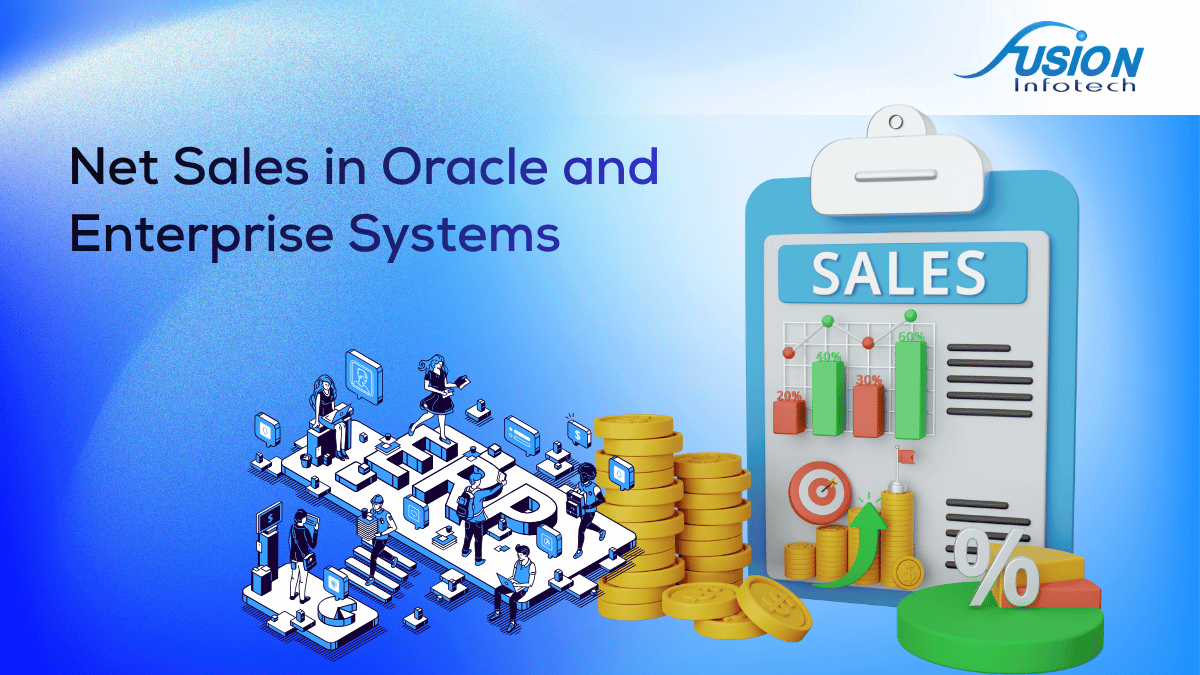
Modern ERP systems like Oracle provide built-in reporting to automate these financial workflows. At Fusion Infotech, we often guide clients through these key reports:
Calculating net sales is more than a simple arithmetic operation; it is an analysis of your business's true financial performance. By leveraging your ERP system's reporting capabilities, you move away from guesswork and toward a data-driven strategy.
Whether you are using SAP, Oracle, or a specialized distribution ERP, the goal remains the same: identify where you are losing revenue—be it through excessive returns, high discounts, or inefficient logistics—and take actionable steps to fix it.
Need help configuring your ERP reporting? As leaders in digital transformation and enterprise architecture, Fusion Infotech helps organizations bridge the gap between complex software configurations and real-world financial clarity. Contact our senior consultants today to audit your ERP reporting structure and secure your financial future.
Net sales are the total revenue generated by a company after deducting any returns, allowances, and discounts. It is a key metric for evaluating operational performance.
Use the formula: Total sales minus (returns + allowances + discounts). This represents the actual revenue earned from your core business activities.
Net sales is the actual revenue after deductions, while gross sales is the total revenue before any costs, returns, or discounts are factored in.
This is often due to Revenue Recognition rules. Your ERP likely adheres to accrual accounting (recognizing revenue when services are delivered), whereas manual calculations often count cash at the moment of billing. Always ensure your ERP settings are configured to your accounting standard (IFRS or GAAP).


.svg)
© 2025 Fusion Infotech Ltd. All rights reserved.






.png)
